
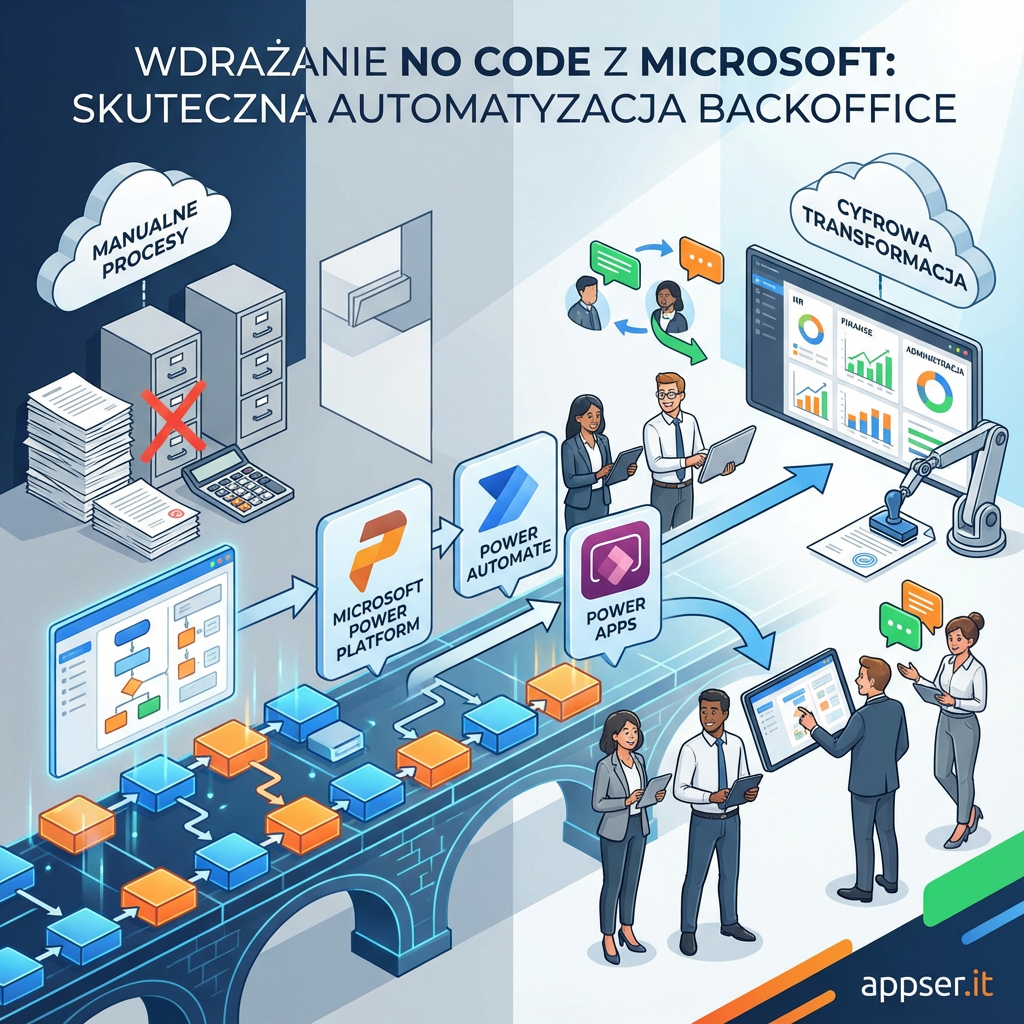
Modern companies increasingly turn to no code solutions to streamline and automate backoffice processes. Implementing no code with Microsoft opens new opportunities for HR, finance, and administrative teams to quickly digitize and optimize work—without costly IT projects or programming expertise. The Microsoft Power Platform—including Power Automate and Power Apps—enables even non-technical staff to create effective tools that accelerate document management, reporting, and team communication. Is backoffice process automation with Microsoft no code tools the key to successful digital transformation?
Why Use No Code with Microsoft for Backoffice?
Digital transformation often begins with the backoffice, which directly impacts the efficiency of the entire organization. Microsoft no code solutions remove technology barriers: launching new apps or automating tasks no longer requires developers.
- Rapid prototyping and deployment of business apps
- Automation of repetitive tasks, like data entry or report generation
- Lower implementation and maintenance costs
- Better integration with Microsoft 365 ecosystem (Outlook, SharePoint, Teams)
This flexibility and ease of implementation have driven the popularity of Microsoft no code automation in HR, finance, and administration departments.
Microsoft Power Automate – Automate Backoffice Workflows Without Coding
Microsoft Power Automate no code is one of the most popular tools for automating Microsoft office processes. You can easily build workflows to:
- Automate document routing and archiving
- Handle HR requests and internal tickets
- Create and circulate invoices or leave applications
- Notify teams about important events via Teams
Example: Automating Leave Request Process
With just a few clicks in Power Automate, you can create a workflow where employees submit a simple Teams form. The data is instantly routed to approvers, and all records are automatically archived in SharePoint.
Power Apps Implementation – Build Apps for Backoffice Without Coding
Another cornerstone of Microsoft’s no code approach is Power Apps—a platform for creating custom web and mobile apps with no programming required. In the backoffice, this brings opportunities like:
- Custom tools for managing orders and invoices
- Equipment registry, travel requests, or service ticket systems
- Apps for cost reporting and analysis
Power Apps Implementation Example: Travel Requests
A simple Power Apps app lets employees submit business trips, while approvals and reimbursements are processed automatically—eliminating manual emails and paperwork.
Microsoft No Code Solutions – Examples of Backoffice Digitalization
- Electronic document and contract management
- Automated reporting and distribution in Excel or Power BI
- Recruitment and onboarding automation
- Centralized communication between departments via Teams
Implementing Microsoft no code enables these projects with minimal IT involvement, rapid timelines, and real impact. Properly deployed solutions can boost communication, reduce errors, and enhance backoffice team satisfaction.
Summary: Is Backoffice Automation Without Coding Worth It?
No code automation with Microsoft streamlines backoffice operations, saves time, and improves standards. Tools like Power Automate and Power Apps empower business teams to manage processes independently, staying fully integrated with Microsoft 365.
If you want fast digitalization, flexible automation, and scalable tools—implementing no code with Microsoft is a winning strategy.
FAQ – Frequently Asked Questions
- Do Microsoft no code solutions require advanced technical skills?
No – these tools are intuitive and designed for business users. - Which backoffice processes should be automated first?
Start with repetitive tasks: document management, HR requests, reporting. - Can no code apps integrate with other systems used in my company?
Yes, Power Platform offers extensive integration options for Microsoft services and third-party systems.
Got questions? Contact our team for personalized recommendations!